Workflow Without Chaos: How Automation Saves Time and Sanity
If you’re an event planner, you’re likely familiar with the controlled chaos of bringing a large-scale conference to life. It’s a delicate balance of managing endless email threads, updating spreadsheets, and chasing down stakeholders for approvals—all while keeping a smile. But what if there was a way to reclaim your time and restore your sanity? This is where event automation and intentional workflow design come in.
Many planners hear “automation” and picture impersonal, robotic processes that strip the human element from their events. The reality is quite the opposite. When implemented thoughtfully, automation handles the tedious, repetitive tasks that consume your day, freeing you to focus on what truly matters: creating strategic, memorable experiences for your attendees and stakeholders.
This guide will demystify event automation, showing you how it can transform your planning process from chaotic to calm. We’ll explore practical examples, debunk common myths, and introduce a workflow design that keeps you in the driver’s seat.
Breaking Down Automation Myths
Before we explore the benefits, let’s clear up a few misconceptions about event automation. Many planners worry that automation will make their events feel less personal or that it’s too complex to implement.
- Myth 1: Automation is impersonal. The goal of automation isn’t to replace human connection but to enhance it. By automating administrative work like sending reminders or syncing data, you gain more time for meaningful interactions, such as building relationships with vendors or brainstorming creative concepts with your team.
- Myth 2: Automation is just for tech experts. Modern automation tools are designed with user-friendliness in mind. Platforms like Event Alchemē offer intuitive, no-code solutions that allow you to build powerful workflows without writing a single line of code. Good workflow design is about logic, not technical skill.
- Myth 3: Automation takes control away from the planner. This is perhaps the biggest fear, but effective automation empowers you with more control. By setting up predefined rules and triggers, you ensure that processes run exactly as you designed them, reducing the risk of human error and providing clear visibility across every stage of the event lifecycle.
Practical Examples of Event Automation in Action
So, what does this look like in a real-world planning scenario? Event automation shines when applied to high-volume, low-complexity tasks that are essential but time-consuming.
Here are a few examples of how you can use automation to streamline your workflow design:
Automated Reminders and Follow-ups
How much time do you spend chasing speakers for their headshots or reminding sponsors to submit their logos? With automation, you can set up workflows that automatically send reminders based on specific triggers and deadlines.
Example Workflow:
- Trigger: A speaker is confirmed for a session.
- Action: The system automatically sends a welcome email with a link to a form to collect their bio, headshot, and presentation title.
- Condition: If the form is not submitted within seven days of the deadline, another automated reminder is sent.
This simple flow ensures you get what you need on time without cluttering your to-do list.
Real-Time Status Updates
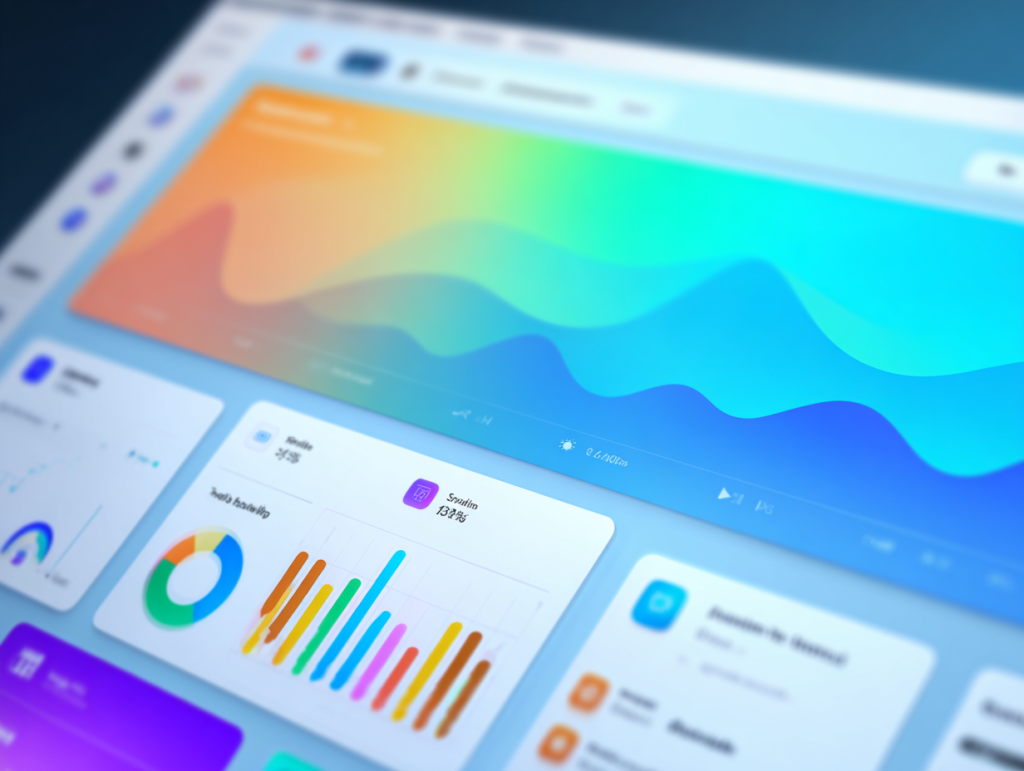
Keeping stakeholders informed is critical, but manual status reports are tedious to compile. An automated system can provide real-time updates through centralized dashboards. When a team member marks a task as “complete,” the project timeline and budget trackers update automatically, giving everyone a clear view of progress without another meeting or email chain.
Seamless Data Syncing
Event planners often work across multiple tools—a project management app, a budget spreadsheet, a vendor database, and more. This fragmentation leads to duplicate data entry and a high risk of errors. A centralized platform with automation capabilities syncs information across all modules. When you update a vendor’s contact information in your database, it automatically populates in the relevant contracts and communication logs.
The Rise of AI-Assisted Task Management
Beyond simple rule-based automation, Artificial Intelligence (AI) is adding another layer of efficiency to workflow design. AI can analyze patterns in your workload and suggest ways to optimize your processes. For instance, an AI-powered system might notice that certain tasks consistently create bottlenecks and recommend reassigning them or adjusting deadlines.
It can also help with resource allocation by predicting how long specific tasks will take based on historical data. This allows you to build more realistic timelines and manage your team’s capacity more effectively, ensuring no one is overwhelmed.
Keeping Humans at the Helm
With all this talk of automation and AI, it’s important to remember that technology is a tool, not a replacement for your expertise. The most successful workflow design is one where automation handles the administrative legwork, while humans drive the strategic decision-making.
Your role as a planner is to design the system, set the rules, and interpret the insights the technology provides. Automation can tell you that three of your breakout sessions are overbooked, but it’s your strategic insight that will help you find a creative solution, whether it’s moving to a larger room, adding a repeat session, or offering a virtual viewing option.
Technology should serve strategy, not the other way around.
How Event Alchemē Creates Effortless Flows
At Conference Innovations, we built Event Alchemē with this exact philosophy in mind. It’s a custom-built event management portal designed to centralize and automate your entire planning process. Instead of juggling dozens of disconnected tools, Event Alchemē brings everything into a single, cohesive workspace.
Our system allows you to build custom automation flows tailored to your unique needs. You can set up triggers for everything from vendor payments to attendee communications, creating a seamless workflow that runs quietly in the background. With centralized dashboards, real-time reporting, and integrated collaboration features, you and your team have complete clarity and control over every detail. Event Alchemē empowers planners to operate with the calm authority that comes from having a robust, reliable system supporting them.
Build a Workflow That Works for You
Embracing event automation isn’t about giving up control; it’s about taking it back. By creating a smart workflow design that handles the administrative burden, you free yourself to focus on the high-impact, strategic work that makes an event truly exceptional. You get to move from being a task manager to a true experience architect.
If you’re ready to trade chaos for clarity and build a more efficient, sane planning process, exploring event automation is your next logical step.