Your Digital Command Center
As a conference planner, your world is a web of spreadsheets, email chains, and disconnected software. Task lists live in one place, budgets in another, and vendor communications are scattered across countless inboxes. What if you could consolidate everything into a single, intelligent hub? A digital command center built just for you.
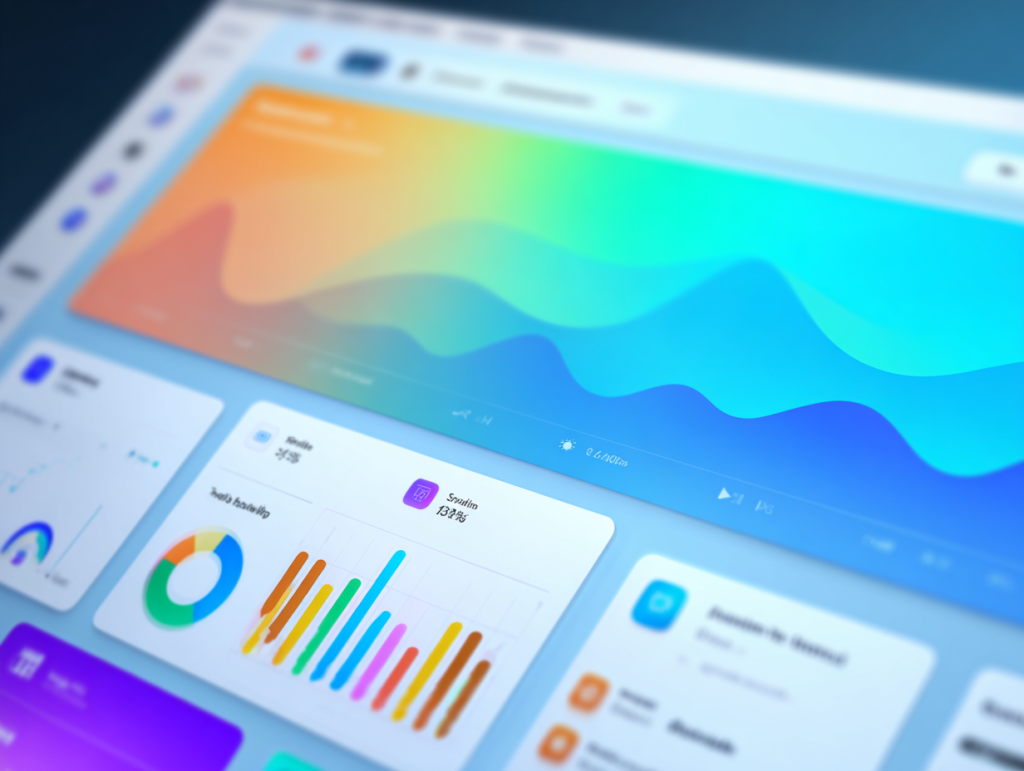
A custom event management portal does just that. It’s more than a project management tool; it’s a tailored workspace designed to reflect how you actually plan events. By bringing every moving part into one centralized system, you gain clarity, reduce errors, and reclaim the time needed to focus on strategy and attendee experience.
This guide explores the essential components of a powerful custom portal. We’ll break down the core modules every event management system needs, explain how to structure data for maximum visibility, and show how a platform like Event Alchemē can transform your planning process from chaotic to controlled.
Core Modules: The Building Blocks of Your Portal
Think of your custom portal as a set of integrated tools. Each tool, or module, manages a specific part of your event, but they all share information to give you a complete picture. While every event is unique, a robust event management system should start with these foundational modules.
Task Management
This is the engine of your portal. A task management module allows you to create, assign, and track every action item, from booking flights to ordering signage. Look for features like dependencies, where one task can’t start until another is finished, and automated reminders to keep everyone on schedule. This module eliminates the need for external to-do lists and ensures no detail is overlooked.
Budget and Finance
Managing event finances in a separate spreadsheet is a recipe for errors. An integrated budget module tracks expenses in real time, linking payments directly to vendors and tasks. You can set budget limits, categorize spending, and generate instant reports to see where your money is going. This gives you financial clarity and control, helping you make informed decisions and prove ROI to stakeholders.
Vendor and Speaker Management
Your partners—venues, A/V teams, caterers, and speakers—are critical to your event’s success. This module serves as a central database for all their information: contact details, contracts, invoices, and communication history. By consolidating this data, you can track deliverables, manage payments, and ensure every partner has what they need, without digging through old emails.
Timeline and Calendar
A visual timeline is essential for seeing the big picture. This module should provide a master calendar of key milestones, deadlines, and on-site schedules. When integrated with your task manager, it automatically populates with due dates, giving your entire team a shared view of what’s ahead. It’s the ultimate source of truth for your event’s schedule.
Linking Tables for 360-Degree Visibility
The true power of a custom portal comes from how its modules connect. This is achieved by linking data tables. For example, when you create a task to “Finalize Speaker Travel,” you can link it to the specific speaker’s profile in your vendor module and the corresponding travel expense in your budget module.
This creates a web of interconnected information. Clicking on a vendor shows you every task, payment, and file associated with them. Viewing a budget line item reveals the exact deliverable it paid for. This relational data structure provides complete visibility and context, ending the frustrating hunt for scattered information. Your event management system becomes a dynamic, searchable database, not just a collection of static lists.
Managing Permissions and Access Levels
Not everyone on your team needs to see everything. Your finance department may need full access to the budget, while your on-site volunteers only need to see their specific schedules. A well-designed custom portal allows for granular control over user permissions.
You can create custom roles with specific access levels:
- Admin: Full access to view and edit all data.
- Planner: Can manage tasks, vendors, and timelines but may have read-only access to sensitive budget information.
- Stakeholder: Read-only access to dashboards and reports for high-level oversight.
- Vendor: Access only to their specific tasks, files, and communications.
This ensures data security and reduces overwhelm by showing users only the information relevant to their roles. It streamlines collaboration and empowers your team to work confidently within their designated areas.
Customizing Your Portal for Different Event Types
A sales kickoff for 500 people has different needs than an executive retreat for 20. Your custom portal should be flexible enough to adapt. With a system like Event Alchemē, you can create unique portal templates for different event types.
For a large conference, your portal might include complex registration tracking, multi-track agenda management, and exhibitor logistics. For a smaller retreat, you might prioritize modules for managing attendee travel, dietary restrictions, and activity sign-ups.
By tailoring the portal to the event, you ensure your workflow is always optimized. You’re not trying to fit a square peg into a round hole; you’re using a tool that’s perfectly shaped for the job at hand. This level of customization is what separates a truly effective custom portal from a generic, off-the-shelf solution.
How Event Alchemē Builds Your Command Center
At Conference Innovations, we developed Event Alchemē because we believe planners deserve better tools. Event Alchemē is our proprietary service for building custom event management portals tailored to our clients’ exact workflows.
We start by mapping out your entire planning process—how you manage tasks, track budgets, and collaborate with vendors. Then, we build a centralized portal that automates repetitive work and provides real-time clarity. We integrate the core modules you need, link the data for complete visibility, and set up custom permissions for your team. The result is a digital command center that feels like an extension of your brain, allowing you to plan with greater efficiency and confidence.
Build a System That Works for You
Switching from fragmented tools to a centralized custom portal is a game-changer for event planners. It replaces administrative chaos with streamlined control, giving you the power to manage every detail without losing sight of the strategic vision. By investing in a system built around your workflow, you’re not just buying software—you’re creating a foundation for scalable, stress-free, and successful events.